
 Kate Donovan



Last update on 2026-09-28 at 04:50 / Affiliate links / Images from Amazon Product Advertising API
I’ve tested the latest laser machines. I looked at diode, CO₂, fiber, dual-beam, and UV types. I wanted to find the best for hobbyists and small shops.
This review shows real results, not just specs. You’ll see which machines make clean cuts, work fast, and are reliable.
Need a laser for wood, metal, acrylic, or glass? I’ve got hands-on advice and clear picks for you. This will help you choose the right machine quickly.
Introduction to Laser Engraving Technology
I’ve spent hours testing machines and running real projects. I’ll give a simple overview of laser engraving technology. It explains what a laser does, how it works with materials, and its common uses.
What is Laser Engraving?
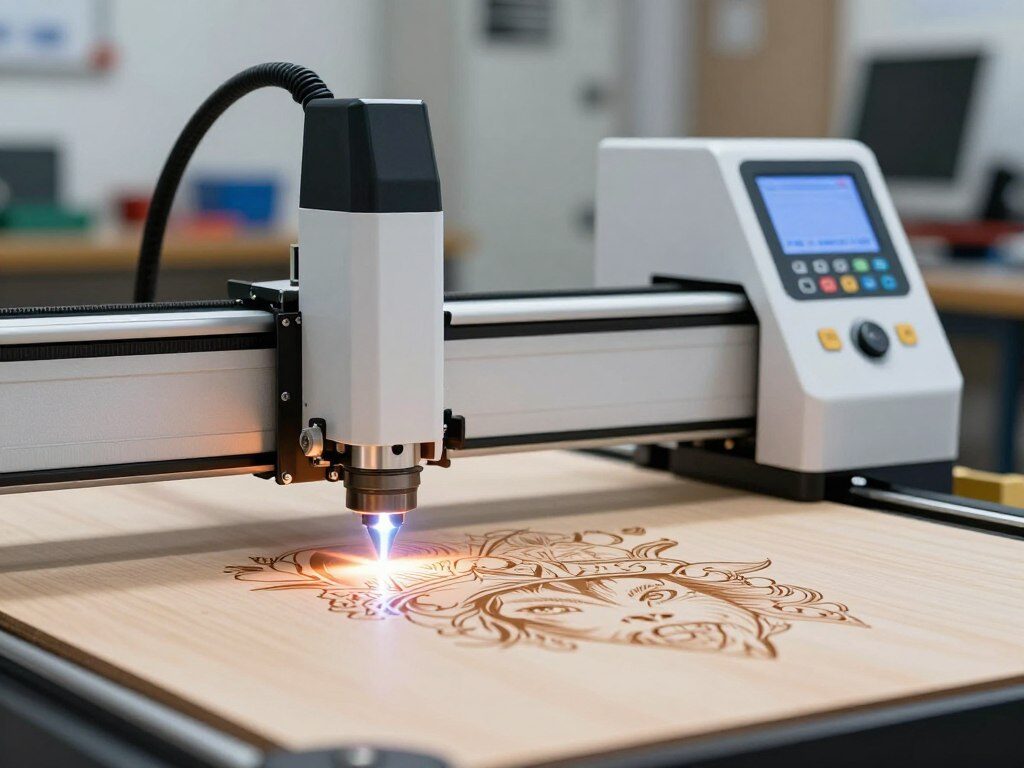
Laser engraving makes permanent marks by removing or changing surface material with a focused light beam. There are different types like diode, CO₂, and UV. Each type is best for different materials.
How Laser Engraving Works
A CNC-controlled beam follows designs with mirrors and lenses. It focuses energy at a tiny spot. This heats, melts, or vaporizes material, leaving a mark or cut.
I test with basswood, bamboo, acrylic, and pine. I use LightBurn for software control. It works on Mac and Windows and supports .SVG and .AI files.
Applications of Laser Engraving
Laser engraving is used everywhere. I’ve engraved jewelry, tumblers, and signs. I’ve also cut decorative clock faces and acrylic awards.
Businesses use laser machines for serial numbers and logos. Personalization machines make custom gifts and branded items. Shops turn low-cost materials into premium products.
Want to learn more about laser engraving basics? Check out this guide: ultimate laser engraving beginner guide.
Criteria for Selecting a Laser Engraver
I test machines until they meet real-world needs. Choosing the right one means looking beyond marketing numbers. I check power, speed, software, and the space it will use. This guide helps you pick the best laser engraver for hobby, pro, or industrial use.
Power and Speed Considerations
Power affects what materials you can work with. Diode modules from 20W to 70W, like Sculpfun S70 Max-class units, work well with hardwood and thin acrylic. CO₂ desktop tubes in the 55W–80W range, seen in machines like the xTool P3, cut thicker wood and can cut 25 mm acrylic in one pass.
Fiber and UV lasers have different uses. Fiber lasers with JPT or IPG sources, and powers from 20W to 200W, mark all metals and work fast. UV lasers at 5W–10W offer ultra-fine detail but cost more. Galvo heads are fast for production marking; gantry machines rely on acceleration and belt quality.
Speed is not everything. Beam quality, air assist, focusing, and extraction affect cut cleanliness and consistency. In my tests, a high-watt diode sometimes matches CO₂ cutting speed on common materials. Yet, metal work favors fiber sources.
Software Compatibility
Workflow is more important than features. Machines with camera positioning, autofocus, and clear UI save time. Brands like xTool, Glowforge, and ComMarker offer ecosystems that speed setup. Third-party options like LightBurn and EZCAD expand capabilities for power users.
For beginners, dual-camera systems and easy apps reduce waste and frustration. For production, batch tools, job queuing, and remote monitoring are key. I test placement accuracy and import ease before recommending a machine in a laser cutting machines buying guide.
Size and Workspace Requirements
Measure first. Bed sizes vary: Sculpfun S70 Max offers roughly 830×800 mm, while xTool P3 is near 91×45 cm. Galvo units have a small, cone-shaped work zone around 220×220 mm, good for marking but not large panels.
Ventilation and safety are essential. Use route exhaust, add air assist, and choose enclosures for Class 1 operation when needed. Plan for smoke extractors and fire suppression. Accessories like rotary chucks, conveyor feeders, and chillers for water-cooled UV units extend capability.
I balance specs with tested performance, not just sheet numbers. After-sales support, available material profiles, and real-world cut tests often sway the choice. For shops that scale to metal marking, check how industrial engravers perform long runs and what maintenance they demand.
Top Laser Engravers of 2026
I tested many engraving tools this year. I found leaders for different needs. I looked at desktop CO₂ units, classroom-safe boxes, and studio rigs. This roundup shows the best for hobbyists, small businesses, and schools.
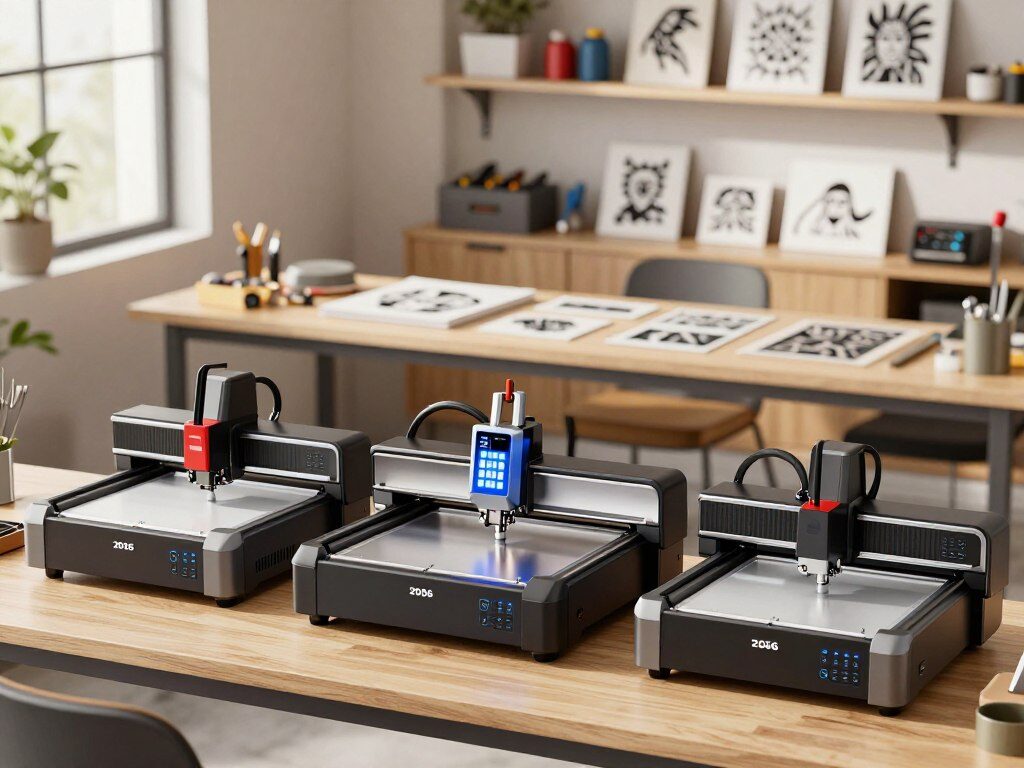
I start with a practical pick that many crafters will like.
1. Glowforge Pro
I ran many projects on the Glowforge Pro. It’s easy to use and powerful. My review says it sets up fast, cuts wood and leather well, and has great software.
For home studios, it’s a top choice. It’s easy to use and powerful.
2. Epilog Fusion Pro
For commercial shops, Epilog Fusion Pro is trusted. It has a big bed, precise control, and works with many materials. My tests showed it engraves well even when used a lot.
This is key for businesses that need to work all the time.
3. Trotec Speedy 400
Trotec Speedy 400 is great for production. It’s fast and has a big work area. I tested it with many jobs and it kept up without losing detail.
If you need to do lots of work, this is a good choice.
4. Dremel Digilab LC40
Dremel Digilab LC40 is perfect for classrooms and hobby shops. It’s safe, easy to use, and has a low-power CO₂ setup. Students made clean cuts easily during demos.
This makes it a top pick for safe learning.
Each of these picks is for a specific need. They offer the best mix of performance and support. Whether you’re a hobbyist, a business, or a school, there’s a top laser engraver for you.
Budget-Friendly Laser Engravers
I try out many personalization machines and small laser engravers. In the budget range, new tech has made them better. They offer stable beams, active communities, and easy-to-find parts.
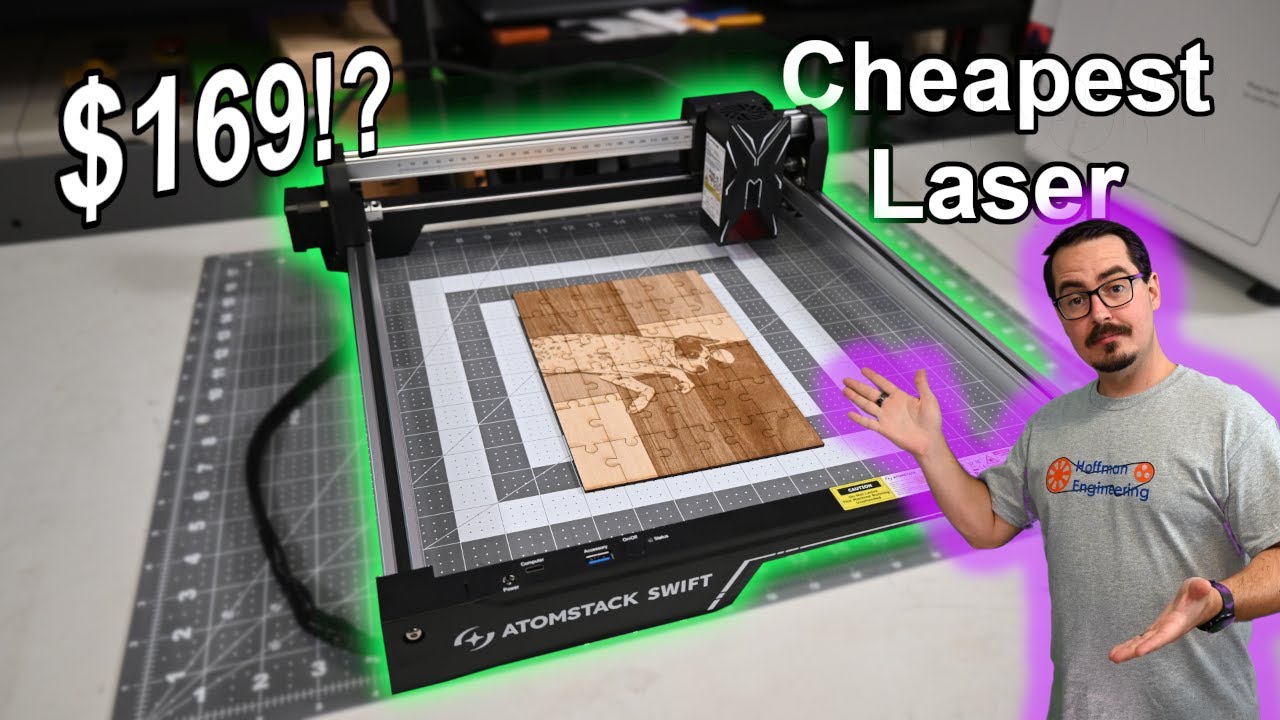
I picked three budget-friendly options. They are great for makers who want value, small size, and can grow. They work well on wood, leather, cardboard, and dark acrylic. But, cutting white or clear acrylic and metals needs more powerful lasers.
5. Ortur Laser Master 3
The Ortur Laser Master 3 is perfect for hobbyists. My review says it has stable firmware and a helpful community. It’s a good choice for reliable diode performance.
6. Neje Master 2S Plus
The Neje Master 2S Plus is small and easy to use. It’s great for small crafts and tight spaces. I liked how quick it is to set up and engrave.
7. Xtool D1 Pro
Xtool D1 Pro offers great value with upgrade options. It’s a good balance of price and features. It’s easy to add upgrades as you need them.
When buying, think about the bed size and power for your projects. I look at beam stability, material profiles, and support. These are more important than just the wattage for everyday use.
Final Thoughts on Laser Engravers
After testing many laser engravers, I see big changes coming in 2026. UV lasers are becoming more common in small shops. Diode systems are getting better and cleaner. Galvo fiber heads are leading in fast metal marking.
These changes offer more choices for makers and engraving services. Expect more hybrid setups and smarter automation soon. Dual-beam units are starting to mix metal and non-metal work.
Autofocus, dual-camera alignment, and fire safety are becoming standard. Even small machines like the xTool P3 are getting these features. Prices are also dropping, making UV and fiber tech more affordable for small businesses.
When picking a laser engraver, think about what you need to engrave. Fiber for metals, CO₂ for wood and acrylic, UV for plastics and glass, and diode for budget wood and leather. Don’t just look at wattage—check beam quality, air assist, and how many passes are needed.
Look for workflow features, safety, and good vendor support. This has saved me time and money. I’ll keep testing and updating this guide as new models come out.
If you need specific advice, let me know. I can suggest the best laser engravers for crafting, jewelry, small business, or production floors. My advice is based on real-world tests and comparisons.



